More than a translation
Every word comes with its meaning, other translations, an example sentence and its base form. Where the language calls for it, the article, gender and irregular forms come too.
Learn every new word you meet while reading in a foreign language.
Save the word: its meaning, an example sentence and its base form appear right over the page. Wordrook asks it again just before you'd forget it.
Coming soonon Google Play
Android 8.0 and up.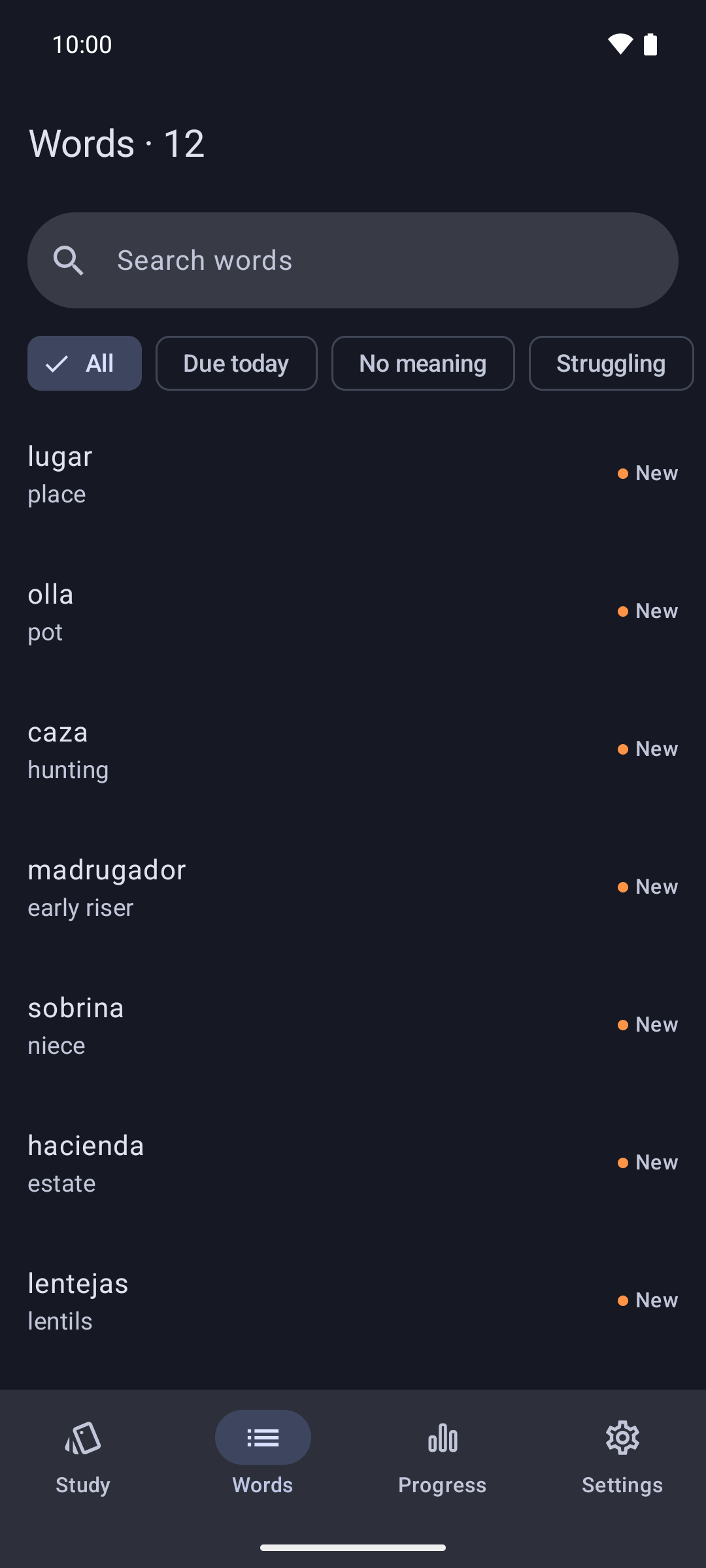
When you read in a foreign language, the word that stops you is understood first and then becomes yours, all without leaving the page.
Select a word or a short phrase in the app you're reading (browser, e-book reader, news app) and tap “Save to Wordrook” in the menu. It goes straight into your list, and you carry on where you left off.
A small window opens over the page with the word's meaning, its other translations and an example sentence that uses it. Everything stays on top of the page you're reading; close the window and you're back on your line.
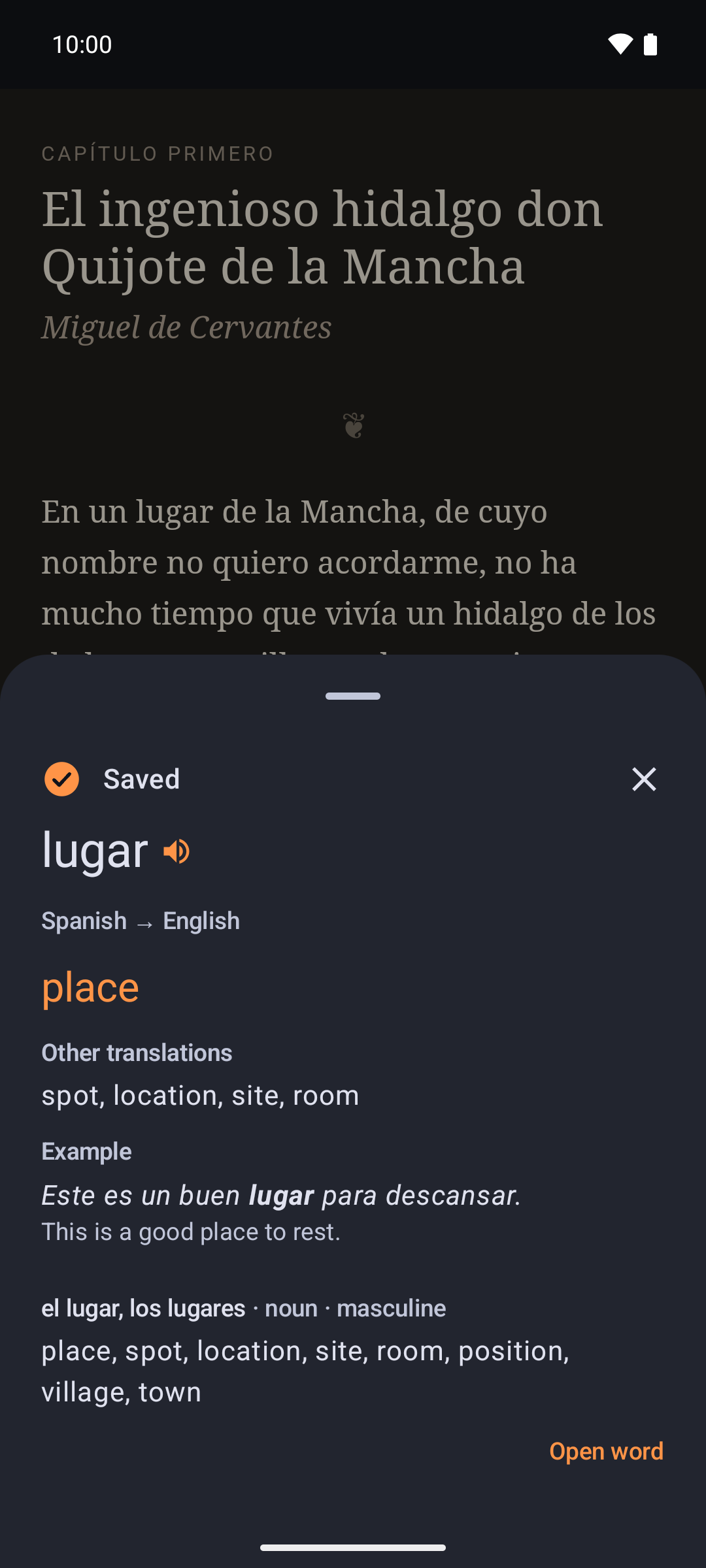
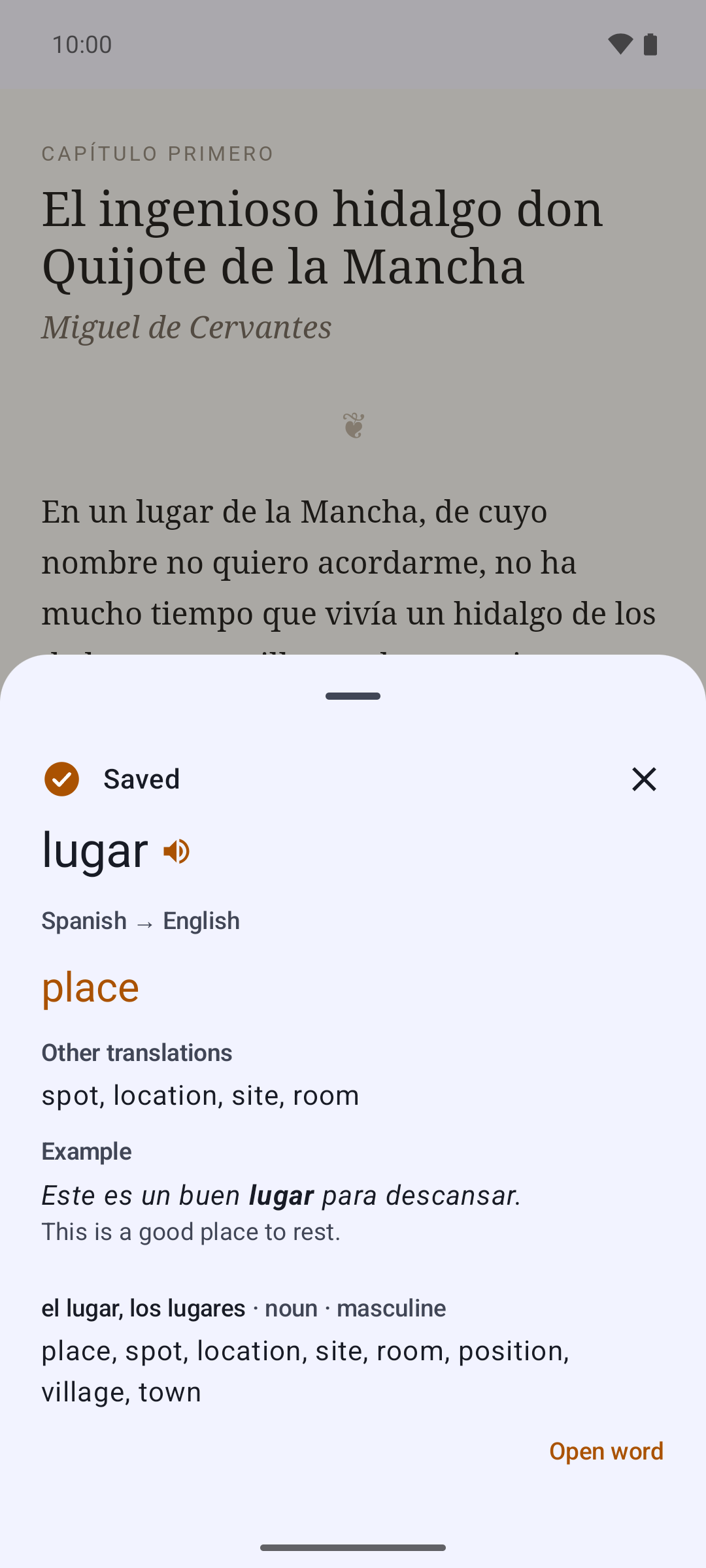
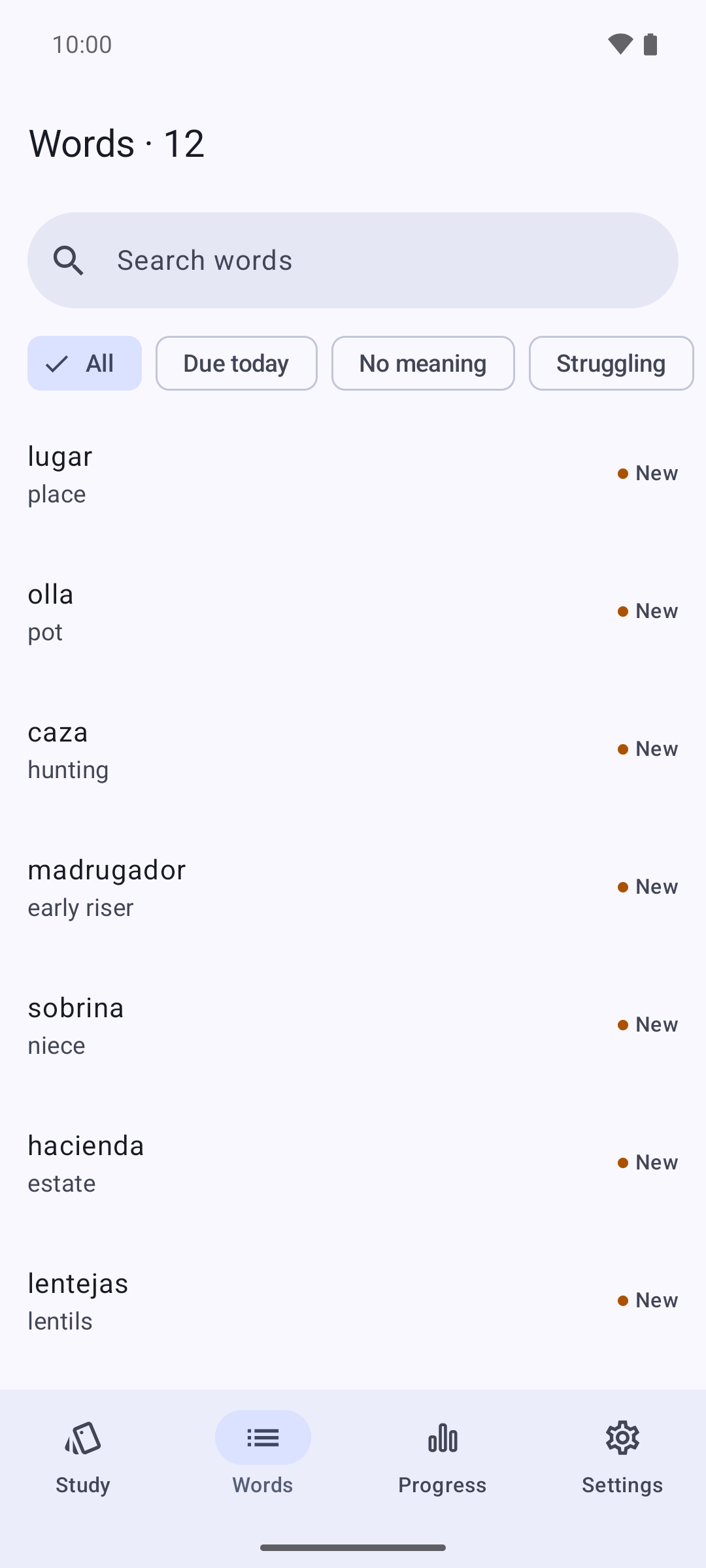
Every word you save stays in your list with its meaning. Search it any time, tap a word and see all its details again.
On days you have words to review, one notification arrives at the time you pick. Tap it and Wordrook opens straight to the review screen, with your cards ready.
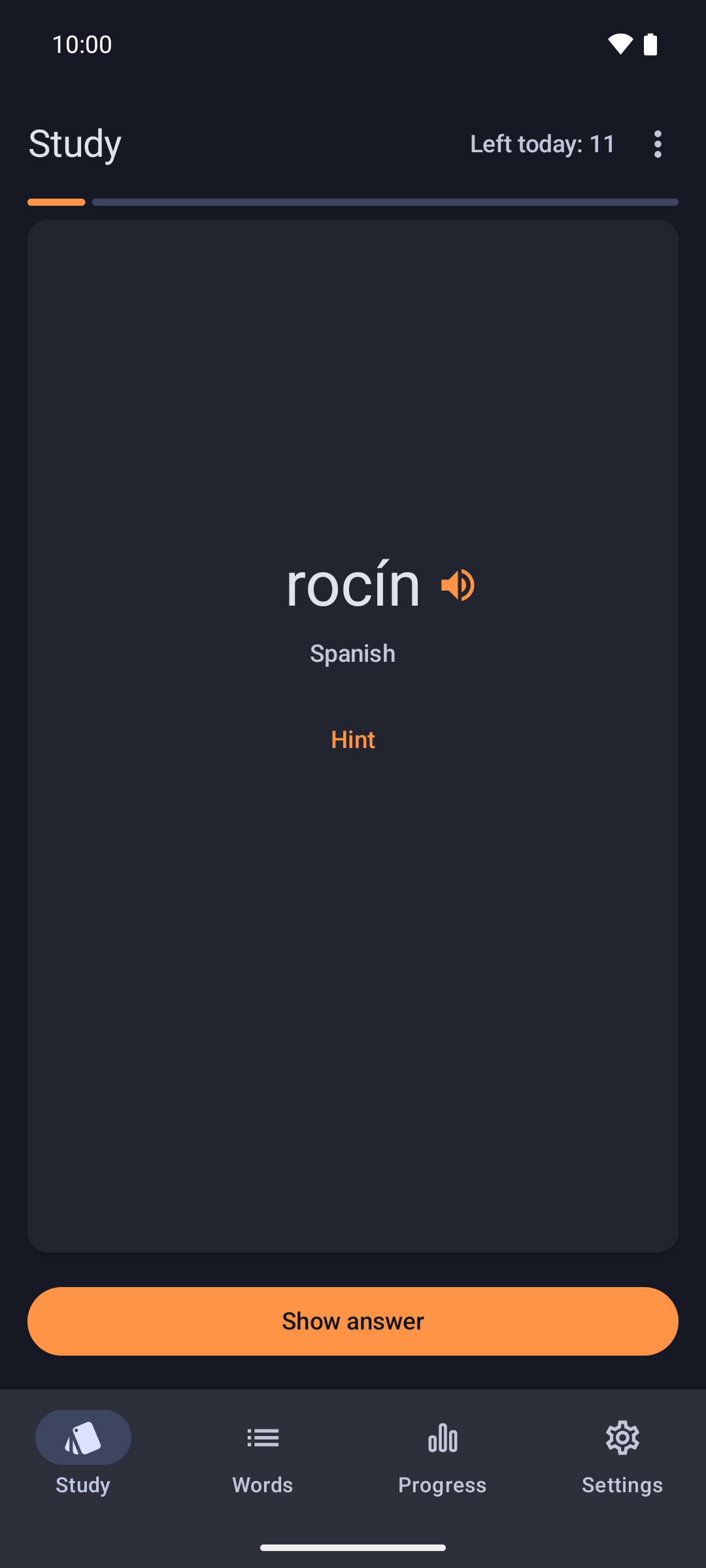
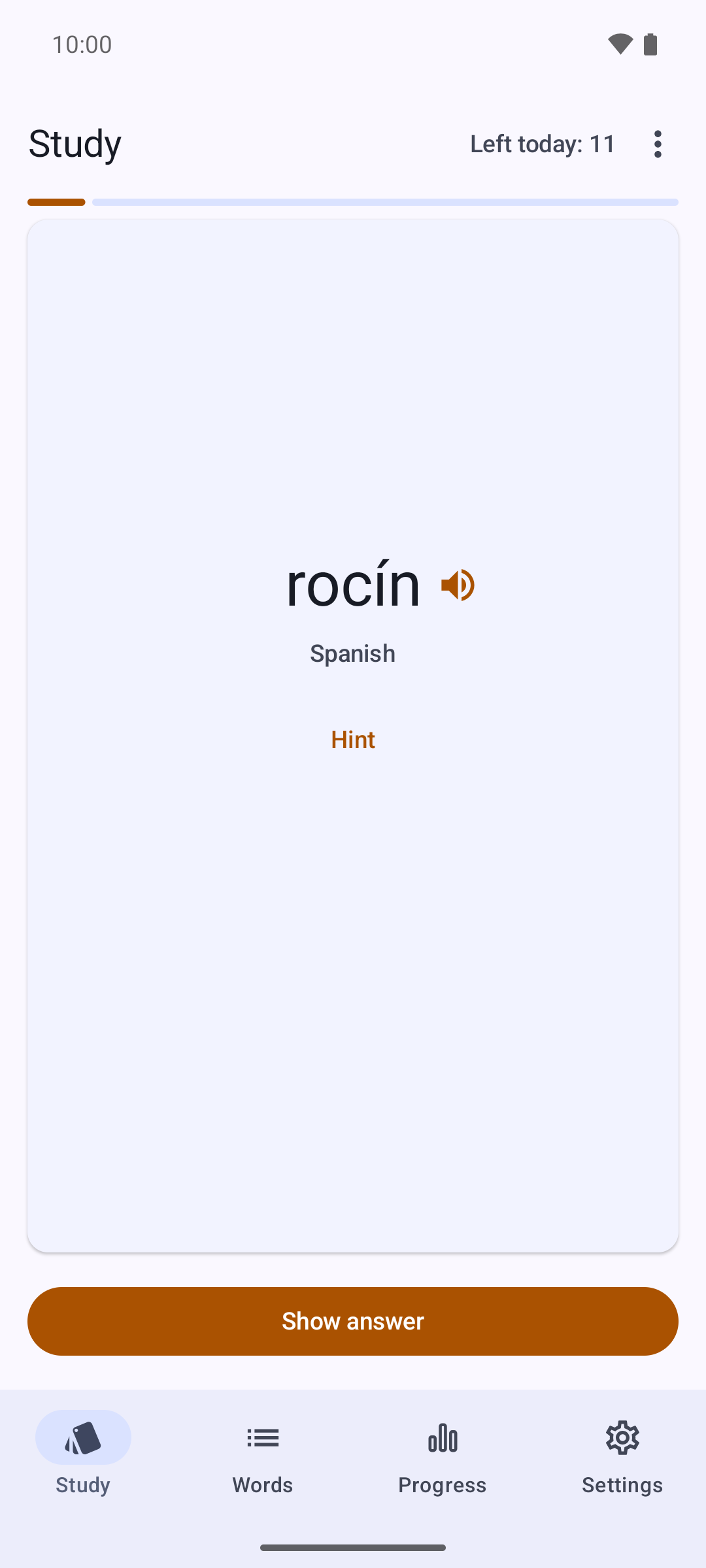
The front of the card shows the word; think of its meaning first. Then flip it and tap one of four buttons to say how well you knew it. Words you know come back less and less often, tricky ones sooner; the FSRS algorithm works out the intervals.
A word you know comes back less often.
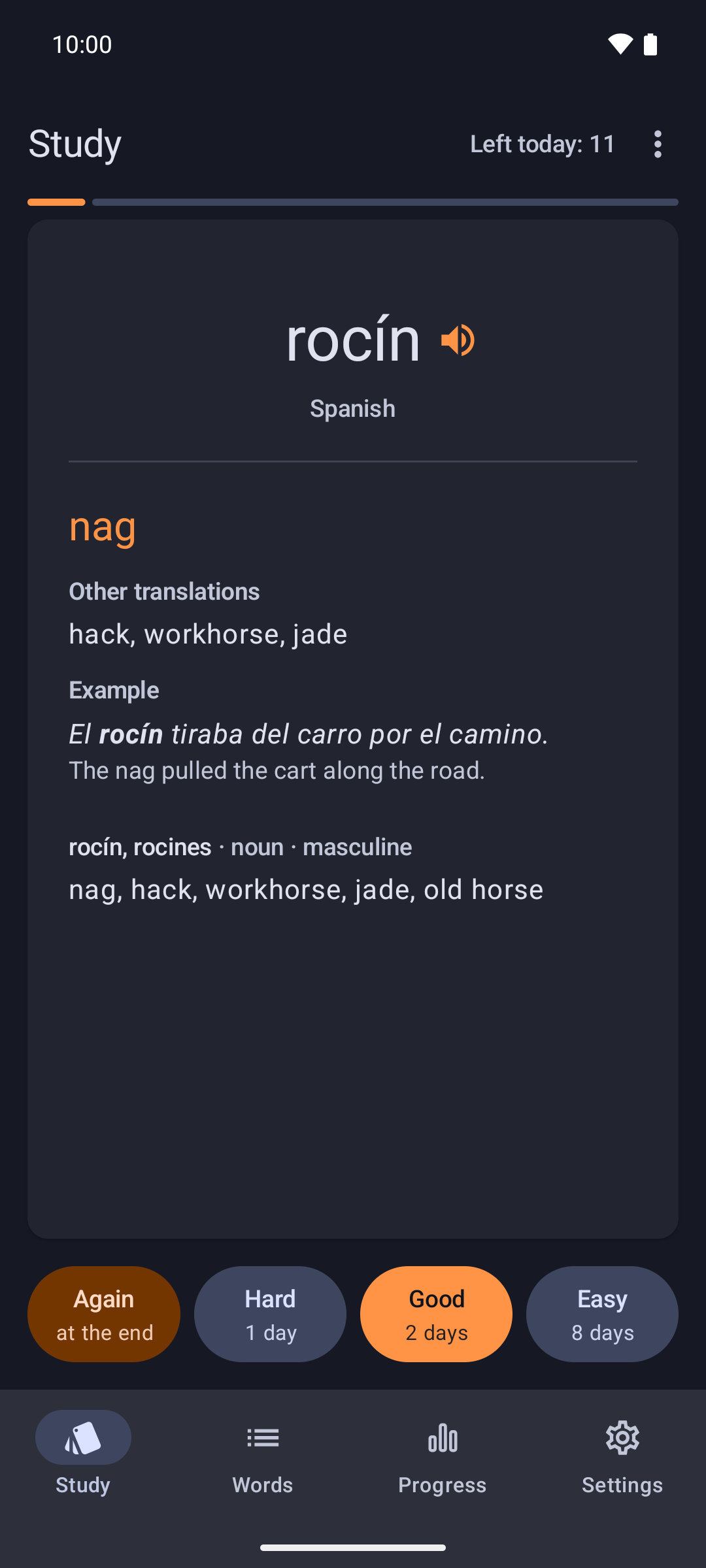
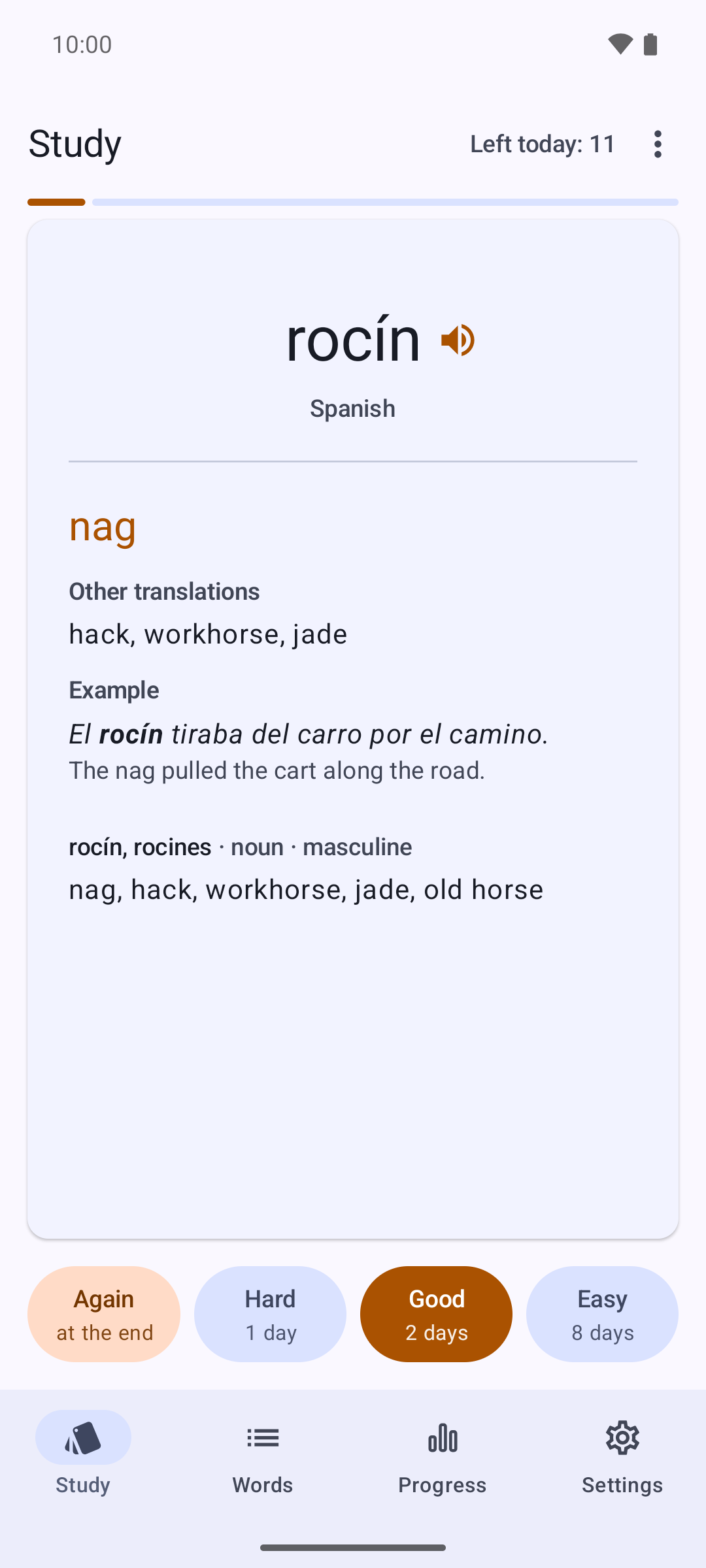
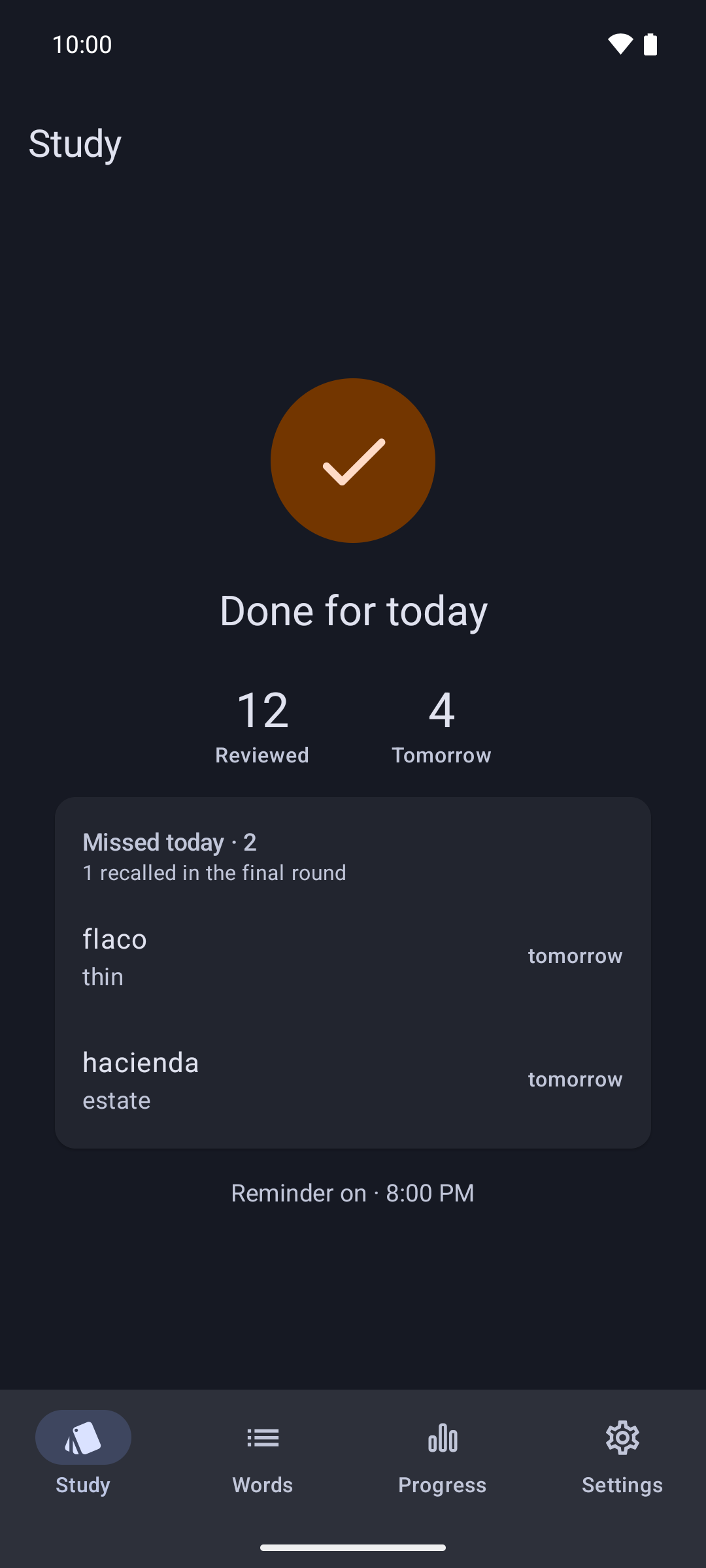
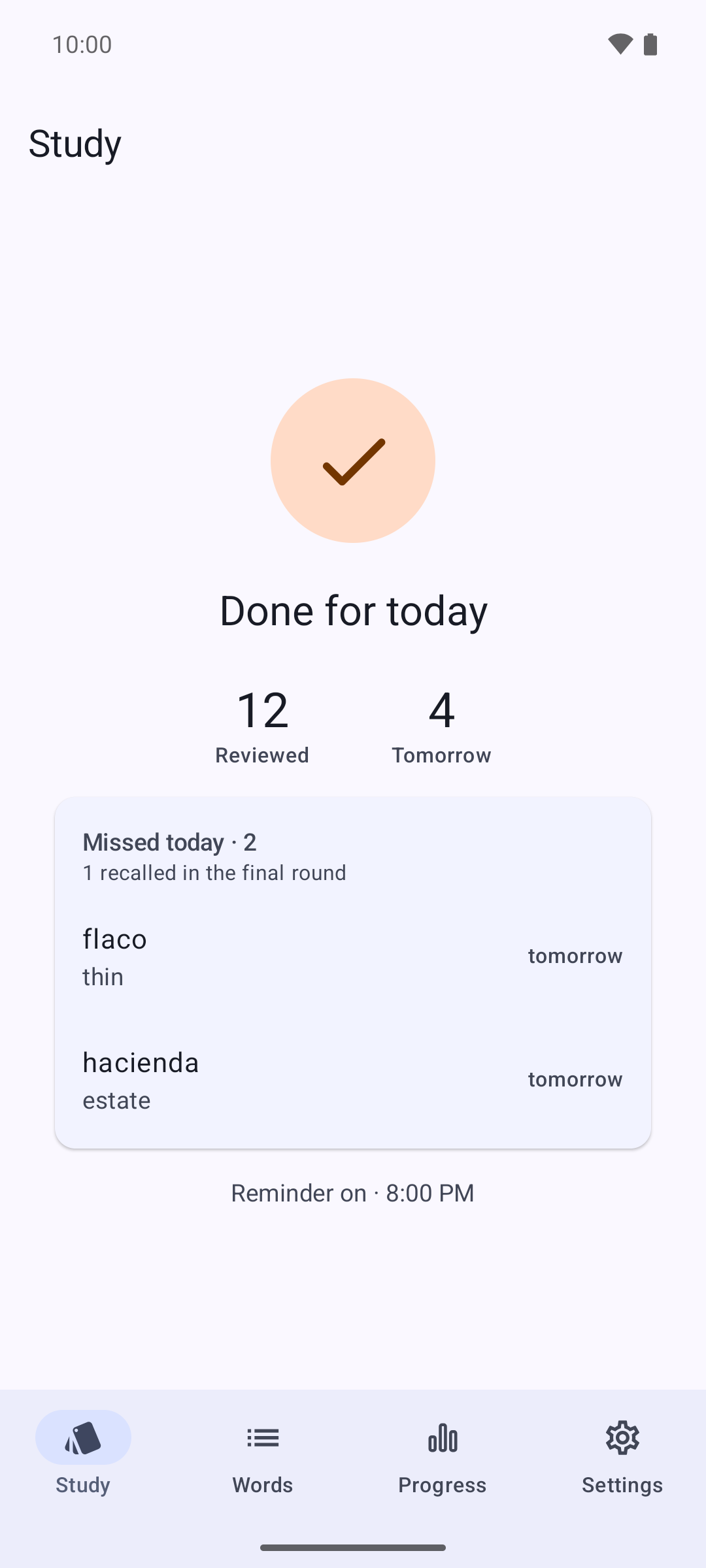
A missed word is asked once more at the end of the round, and that's it: a word comes up at most twice a day. When the round is over, it says “Done for today”.
Every word comes with its meaning, other translations, an example sentence and its base form. Where the language calls for it, the article, gender and irregular forms come too.
You pick the language you're learning and the one to translate words into: Spanish to English, German to Turkish, whatever you're reading.
There's one round a day, and then Wordrook leaves you be. Set the reminder for the time you like or turn it off; take a day off and your cards wait for you.
You pick the language you're learning and the one to translate words into from over 50 languages: Spanish to English, German to Turkish, and so on. Change them in settings whenever you like; the change applies to the words you save from then on.
Some apps use their own selection menu and don't show it. There, send the selected text to Wordrook from the Share menu, or copy it and tap the Wordrook tile in Quick Settings or the floating copy bubble. You can turn on the tile and the bubble in the app's settings.
There's no account. Your word list and review history stay on your phone. To look up a word, only that word and your two chosen languages are sent to our server. When you tap the speaker, the word is handed to your phone's own speech engine to be read aloud. No ads, analytics or trackers. Details are in the privacy policy.
Yes. Saving words and reviewing don't need a connection. A word saved offline gets its meaning in the background once you're back online, and then joins your reviews.
Yes. Tap the speaker next to a word and your phone's own speech engine reads it aloud. If a language's voice isn't on your phone, the engine downloads it (about 10–60 MB); Wordrook asks before that happens, and once the voice is there it works offline too. The speaker appears for the languages your phone's speech engine supports.
Guessing the language of a single word isn't reliable: “Gift” means a present in English and poison in German. So you pick the language you're learning once, when you first open the app, and every word is looked up in that language. Switch it in settings when you start reading in another one.
Wordrook is free, with no ads or paid features. For now it's Android only (8.0 and up).
Delete it from its review card, or open it from your word list and delete it there. Saving the same word twice never makes a copy; the existing word moves to the top of your list and keeps its progress.
Coming soonon Google Play
Android 8.0 and up · Free · No ads